
The rack
The rack is the main page: the guitar comes in at IN on the left and leaves at OUT on the right, through every block in between.
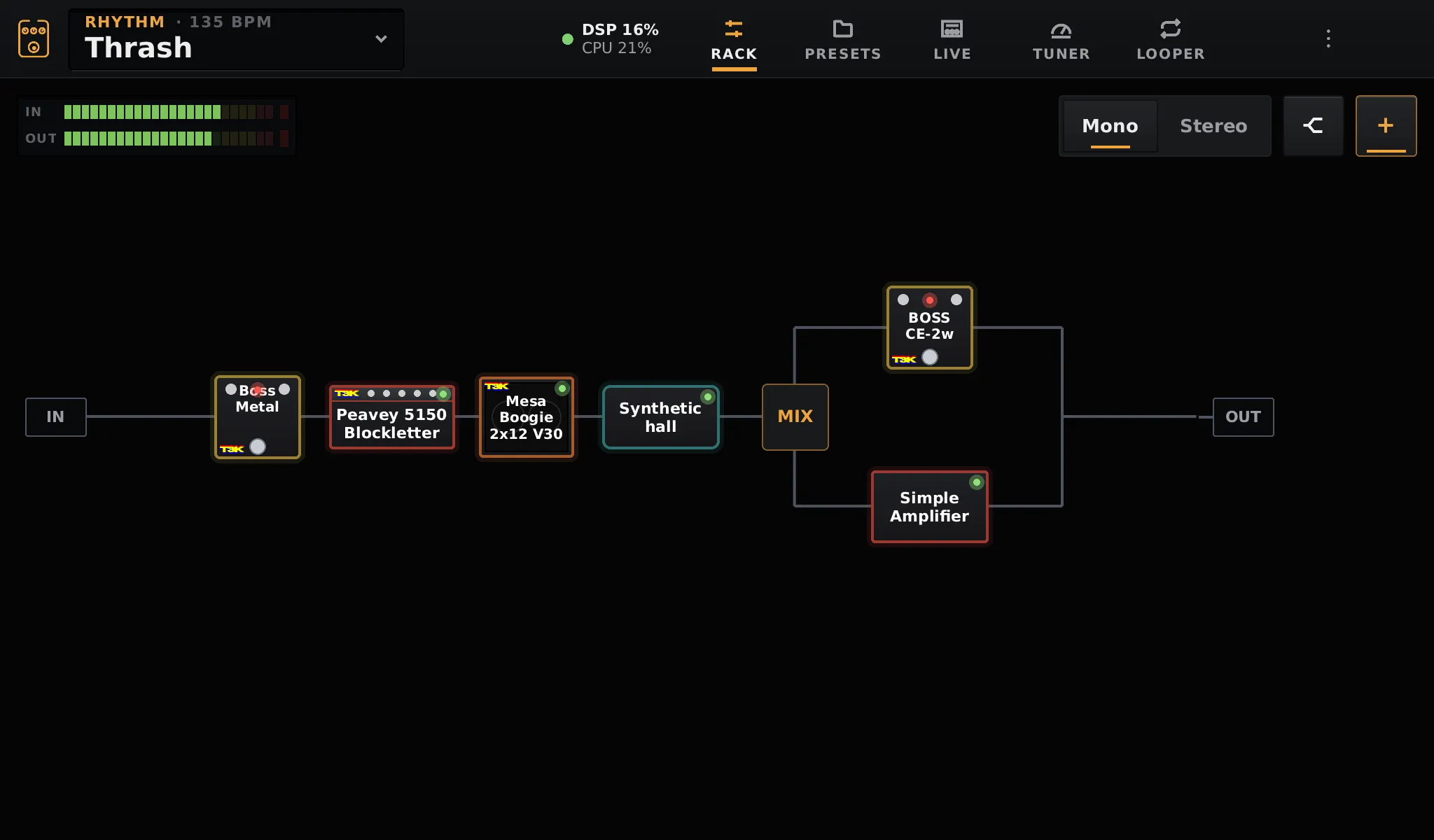
Blocks are drawn after the gear they stand for (amp head, combo, cabinet, pedal, reverb) and coloured by family: amps red, cabinets orange, drives yellow, reverbs teal, delays green, modulation blue. The LED of a block is lit when it is on. Blocks playing a TONE3000 capture carry its mark.
Adding a block
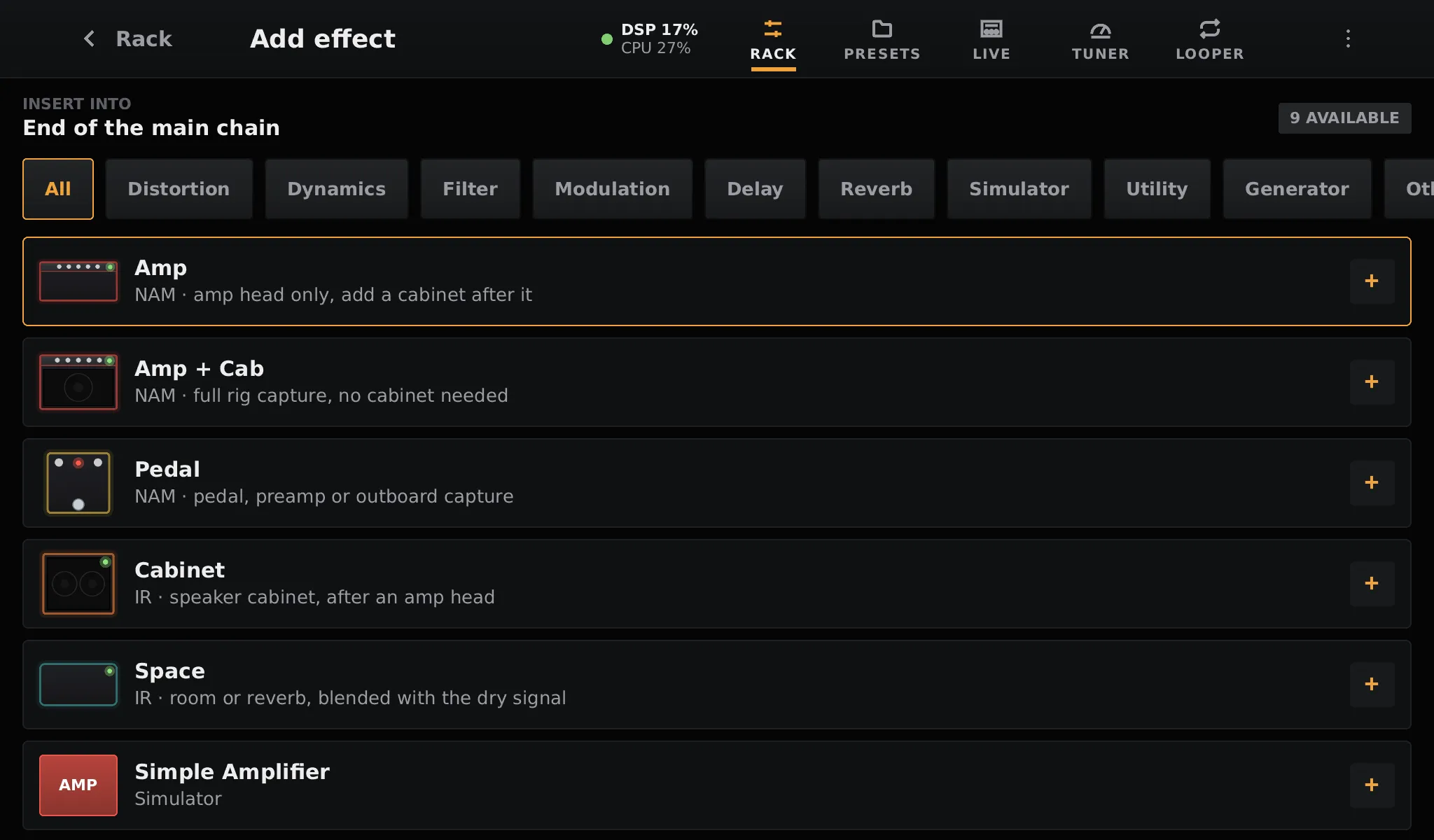
Section titled “Adding a block”Tap + at the top right. The list shows the built-in blocks first, then the LV2 plugins, sorted by category. Tap a line to add it at the end of the chain, then hold and drag it where you want it.
Quick knobs
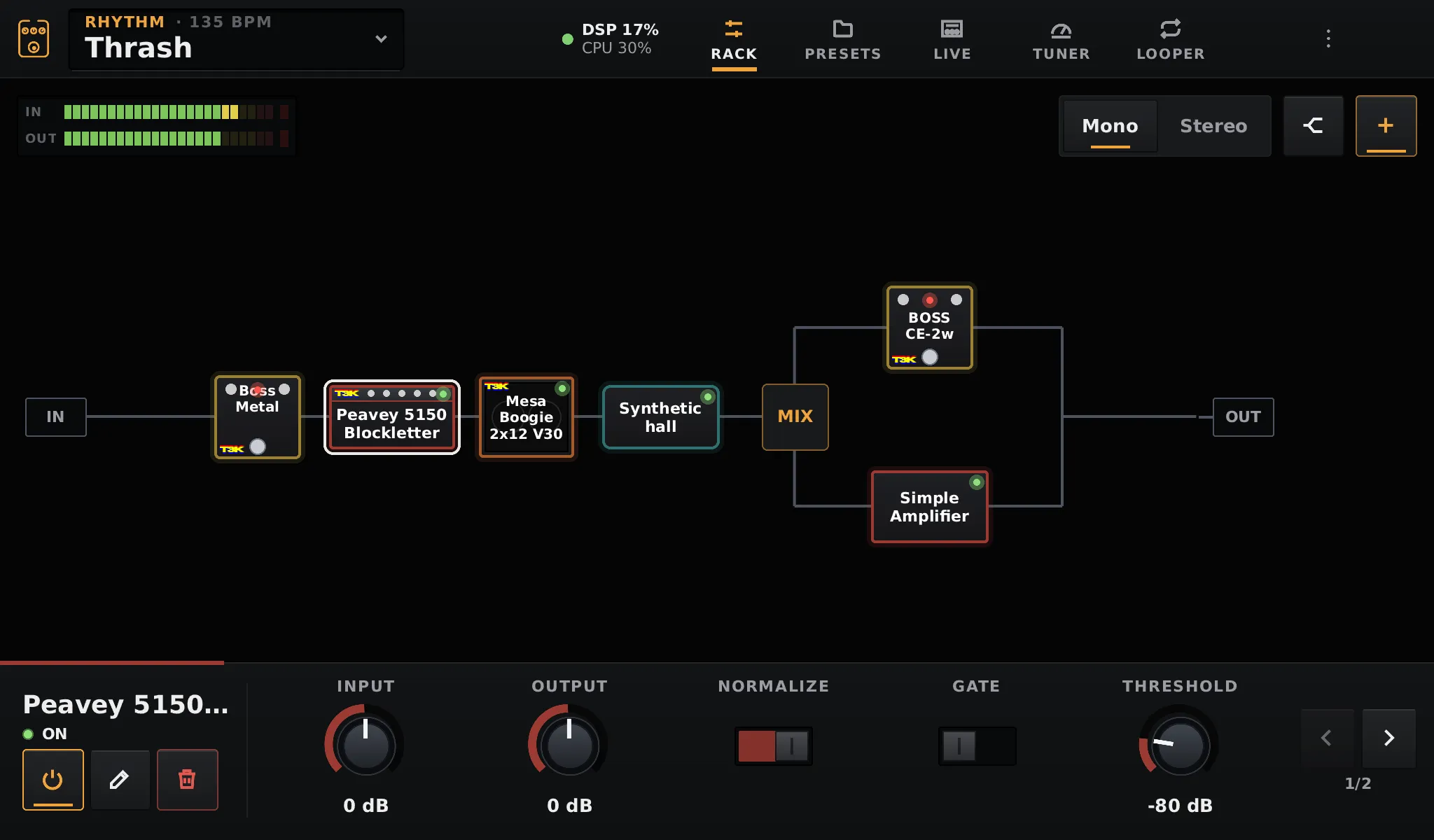
Section titled “Quick knobs”Tap a block to select it. Its controls show as knobs along the bottom of the screen, five at a time; the arrows on the right show the next ones. The buttons on the left turn it on or off, open the full editor, or delete it.
Bypass and move
Section titled “Bypass and move”- Hold a block and release it in place to bypass it. Delays and reverbs keep ringing (see tails).
- Hold and drag it to move it anywhere in the chain, including into a split branch.
Splits
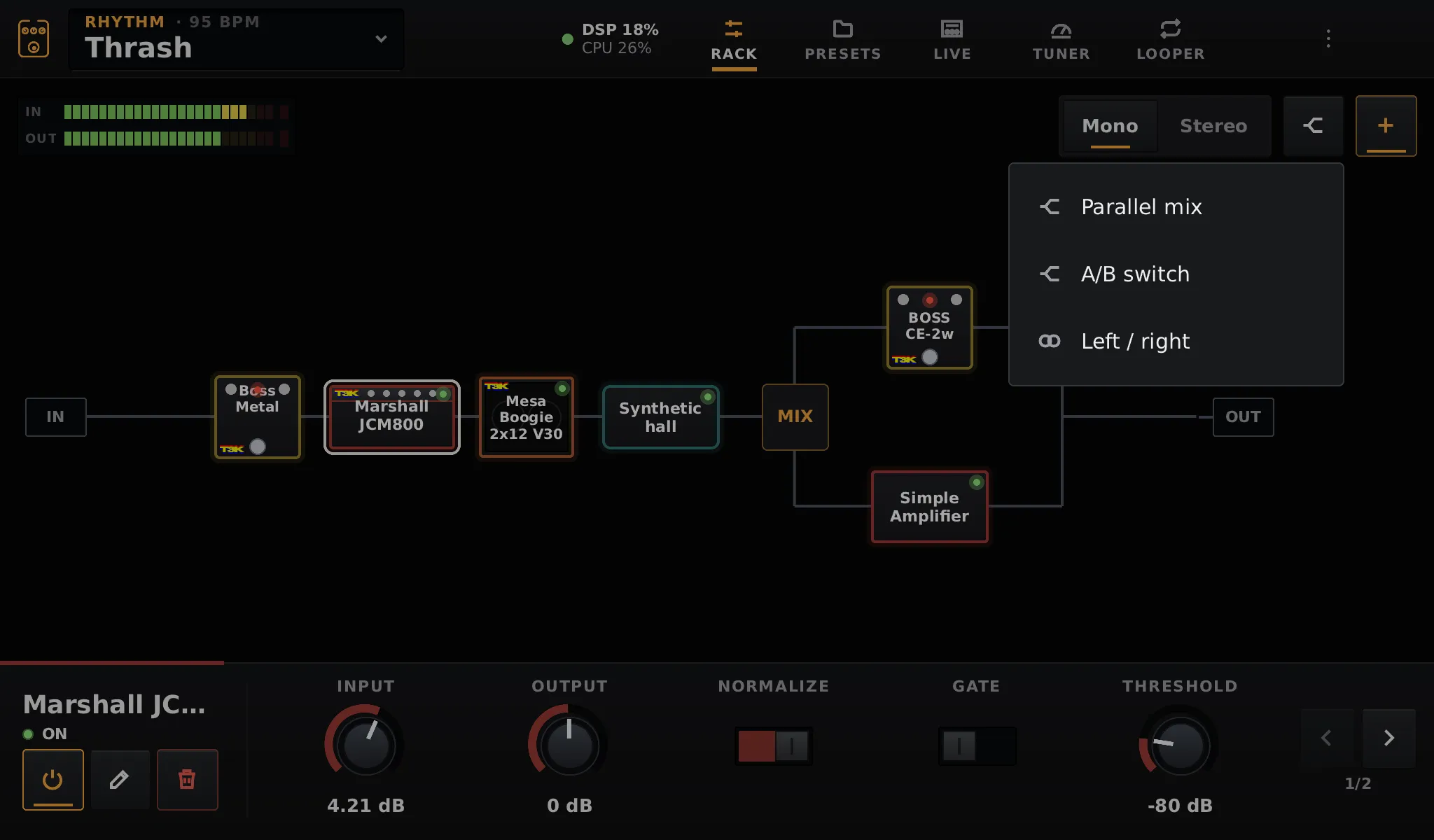
Section titled “Splits”The split button, next to +, adds an empty split at the end of the chain:
| Split | What it does |
|---|---|
| Parallel mix | Both branches play, mixed together. Each can be panned in stereo mode |
| A/B switch | One branch plays at a time; switch it live, from a scene or from MIDI |
| Left / right | The top branch goes to the left output, the bottom one to the right |
Tap a split to select it: the panel at the bottom changes its type, switches A/B, sets the mix and the pans, and adds a block to its top or bottom branch. Blocks can also be dragged into a branch, and splits can be nested.
A typical use of Left / right: a cabinet impulse response on one side for the front of house, and no cabinet on the other side for a real guitar cab on stage.
Mono and stereo
Section titled “Mono and stereo”The Mono / Stereo switch above the rack sets how the chain is played, and is saved in the preset.
- Mono keeps the whole path mono and sends the same signal to both outputs. Use it with a single amp or a single output.
- Stereo: the guitar comes in mono and becomes stereo where something makes it so: a Left / right split, a panned Mix split, a stereo plugin or a stereo impulse response. After that point, cabinets, spaces and mono LV2 plugins run once per side. Neural blocks, too costly to double, play the mix of both sides.
In the rack, a single line carries a mono signal and a double line a stereo one.
The meters
Section titled “The meters”IN and OUT at the top left show the input and output levels. The red LED at the end lights when the signal clips: lower the gain of the interface, or the output of the last blocks.