
First start
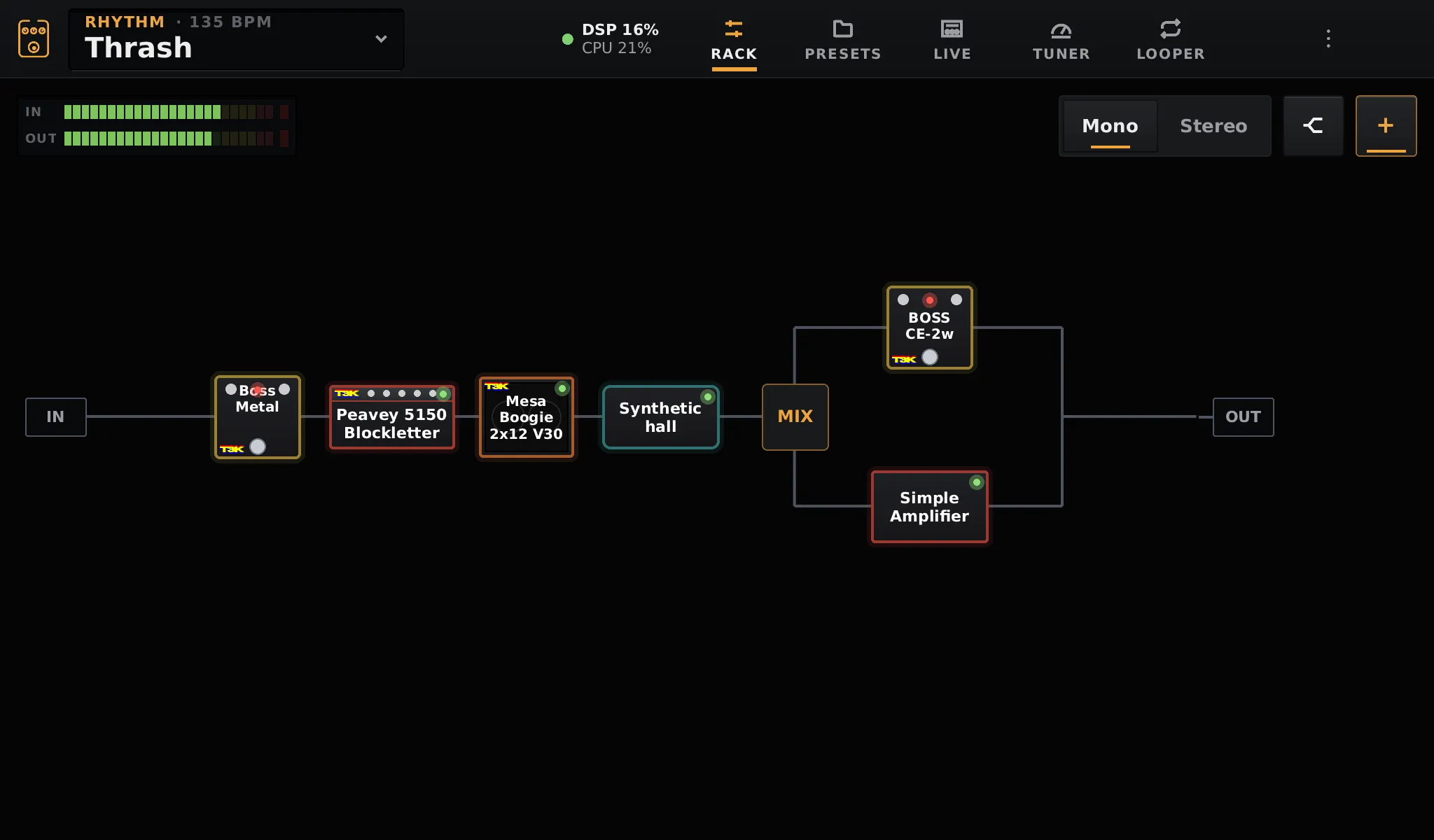
When OpenRig starts, it shows the boot logo, then the rack. The audio is already running: the IN meter at the top left moves when you play.
1. Check the levels
Section titled “1. Check the levels”Play hard: the IN meter should go well into the green, without lighting the red clip LED at its end. If it stays low or clips, set the gain on the audio interface itself.
If the meters do not move at all, see No sound.
2. Join a network
Section titled “2. Join a network”A network is only needed for TONE3000 and updates: the pedalboard plays without one.
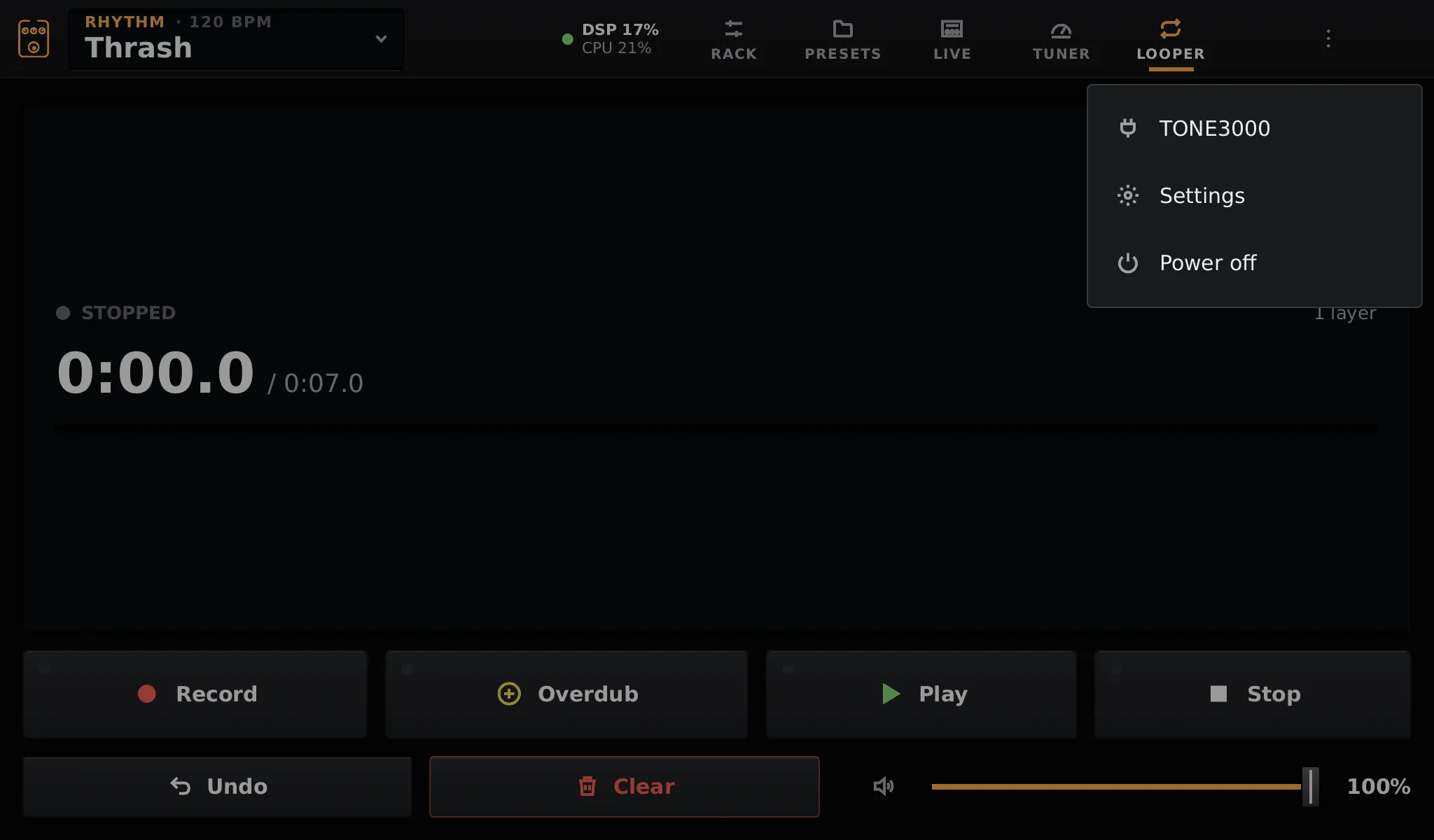
Open the menu ⋮ at the top right → Settings → Wi-Fi, pick your network and type its password on the on-screen keyboard. Ethernet works as soon as the cable is plugged in.
3. Link TONE3000 (optional)
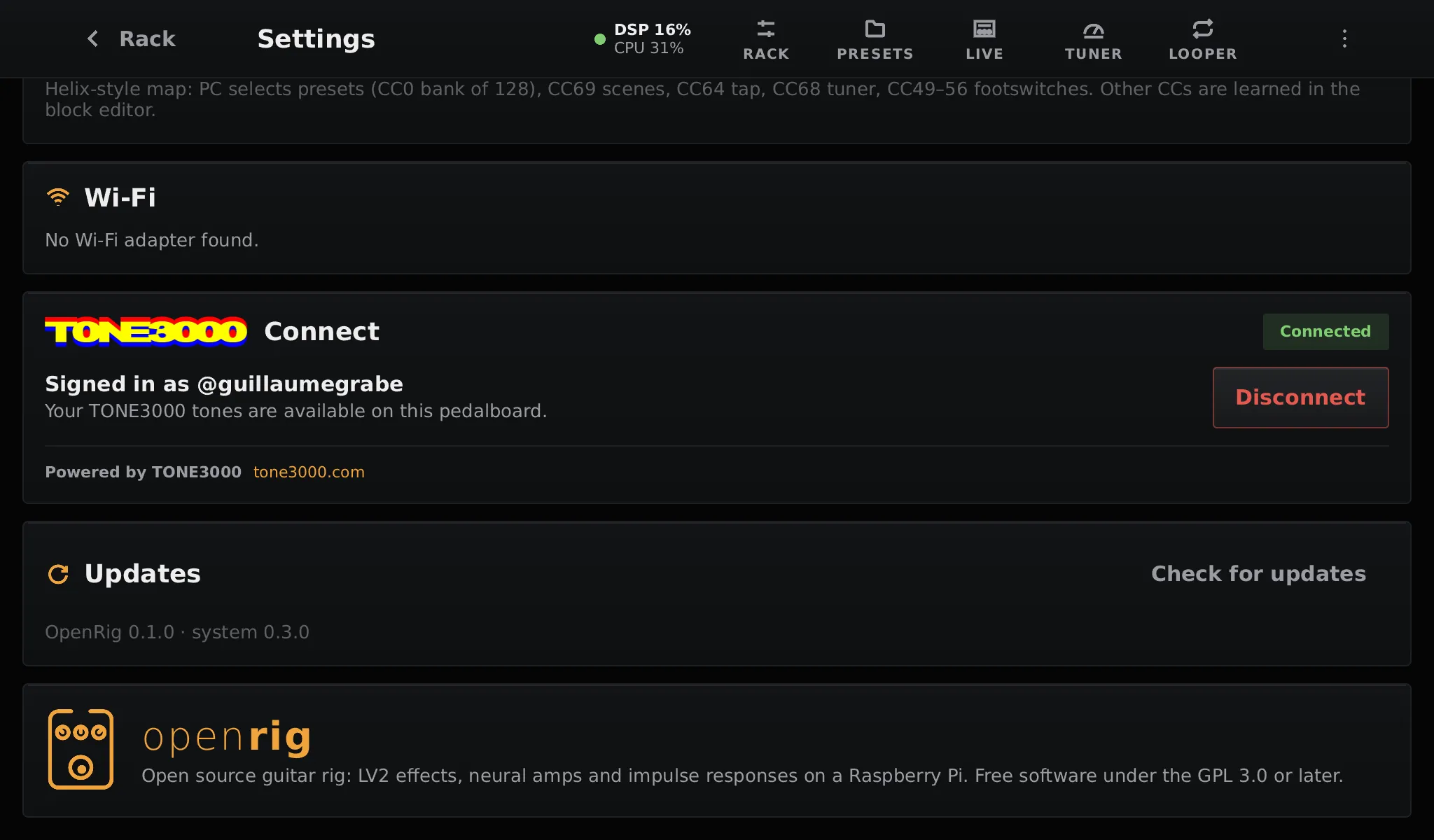
Section titled “3. Link TONE3000 (optional)”To download amp and pedal captures from tone3000.com, link your account in Settings → TONE3000 Connect. It takes a minute: see TONE3000.
4. Build a sound
Section titled “4. Build a sound”Tap + at the top right of the rack to add a block, starting with an Amp + Cab, or an Amp followed by a Cabinet. Then read the tour of the screen.
Switching off
Section titled “Switching off”Use ⋮ → Power off: the pedalboard saves and switches off cleanly. Pulling the power is safe too: the system is read-only and your chain is saved a few seconds after each change.