
Settings
Open ⋮ → Settings. Changes apply at once; there is nothing to save.
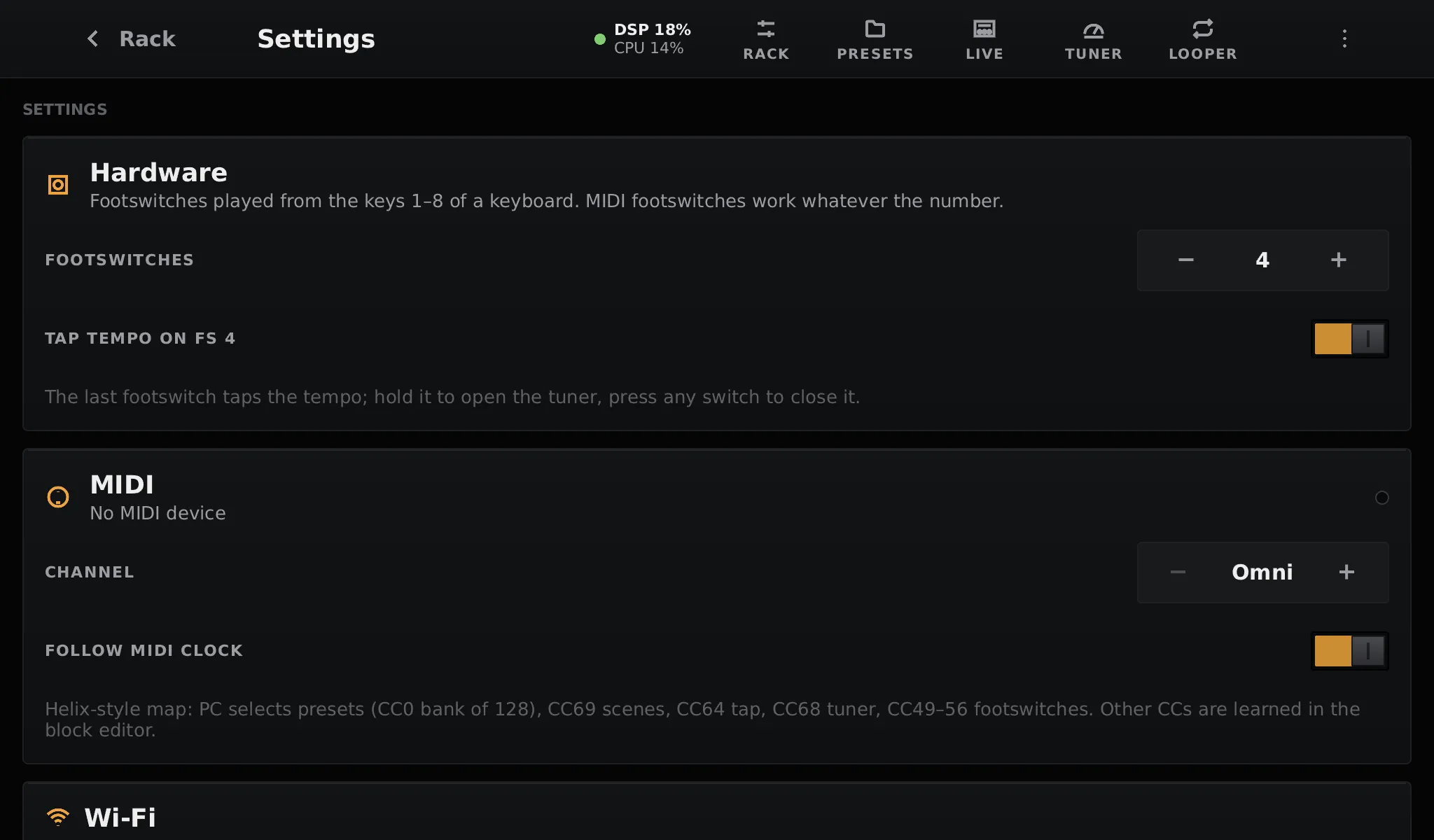
| Card | What it sets | More |
|---|---|---|
| Hardware | How many footswitches are wired and their GPIO, tap tempo on the last one, the rotary encoder | Footswitches and encoder |
| MIDI | Devices found, channel, follow MIDI clock | MIDI |
| Wi-Fi | Scan, join, disconnect, forget a network; turn the radio on or off | Below |
| TONE3000 Connect | Link your TONE3000 account | TONE3000 |
| Updates | The installed version, check for and install updates | Updates |
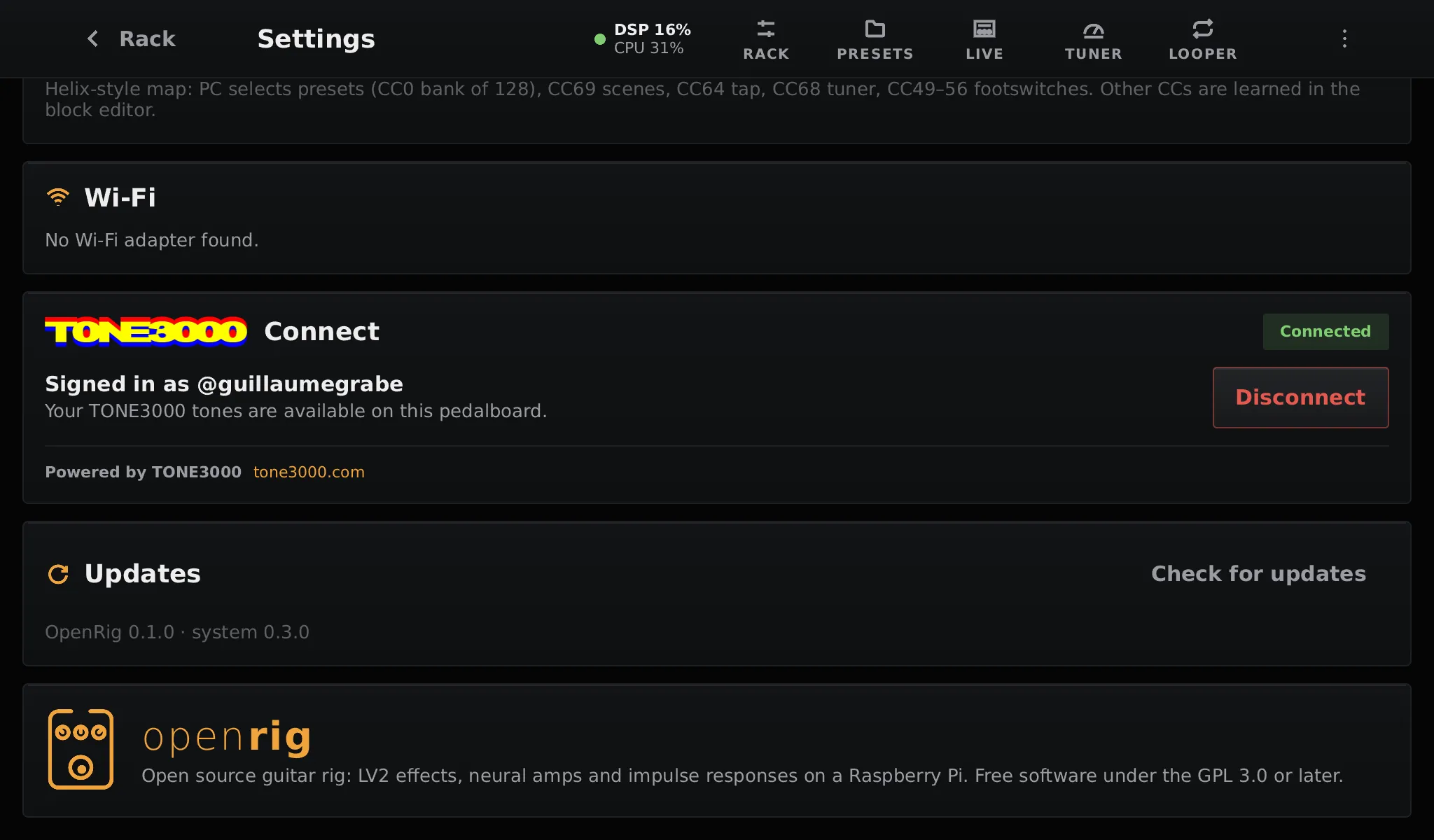
Tap a network to join it, and type its password on the on-screen keyboard (#+= for symbols). Joined networks are remembered on the data partition; Forget removes one. The password is never shown or logged.
Ethernet needs no setting: plug the cable in.
Set your country in pedalboard.txt (wifi_country) to use the channels
allowed there.
What is not in Settings
Section titled “What is not in Settings”The audio interface, sample rate, buffer and screen rotation are read at boot from pedalboard.txt, on the card’s first partition, so a wrong value can always be fixed from a computer.