Presets, scenes and setlists
OpenRig has three levels, as on most floor units:
| Level | What it holds | Switching |
|---|---|---|
| Preset | The whole chain: blocks, splits, settings, colours, its 8 scenes and its tempo | 20 ms crossfade |
| Scene | Inside a preset: which blocks are on, their settings, and the splits’ settings | Instant, delays and reverbs ring on |
| Setlist | Up to 8 presets for a gig, all loaded in memory | 20 ms crossfade, no disk access |
Presets
Section titled “Presets”The Presets page lists your presets. Tap one to load it; the one playing is marked LOADED.
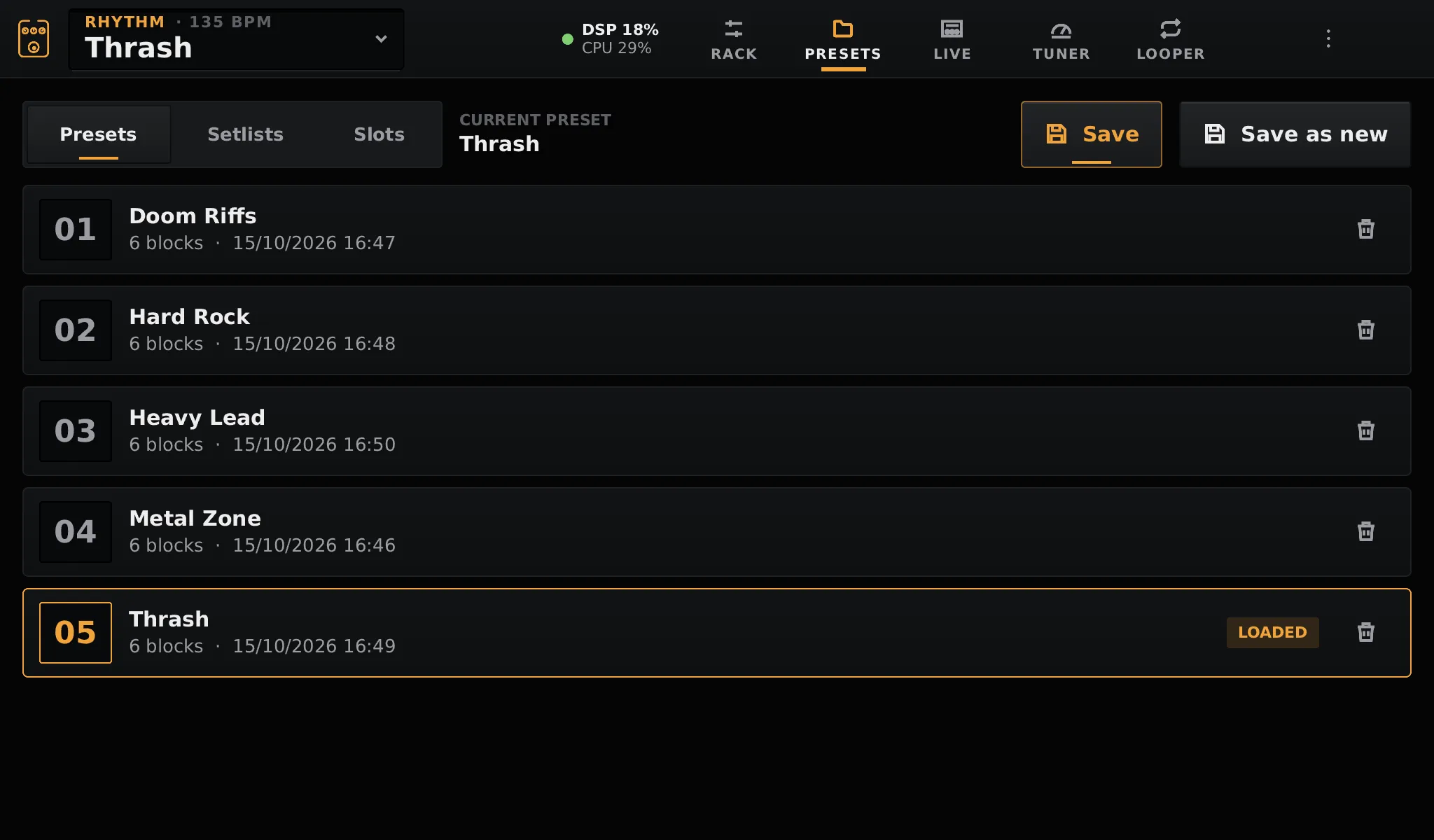
- Save writes the current chain into the current preset.
- Save as new asks for a name on the on-screen keyboard and makes a new preset.
- The bin deletes a preset, after asking.
You do not lose anything by not saving: the current chain is kept across restarts. Saving is how you go back to a sound later.
Scenes
Section titled “Scenes”A preset has 8 scenes. A scene remembers, for every block, whether it is on and its settings, and for every split its A/B side, mix and pans. It does not add or remove blocks: the chain is the same in every scene of the preset.
- The current scene is always being edited: what you change in the rack stays with the scene where you changed it.
- Selecting an empty scene copies the current one into it. Build the verse, switch to scene 2, turn the drive on: that is the chorus.
- A scene change only sends the differences to the audio, without rebuilding the chain, so delays and reverbs keep ringing across it.
Scenes are switched and renamed on the Live page. The top bar shows the current scene in amber above the preset name.
Setlists
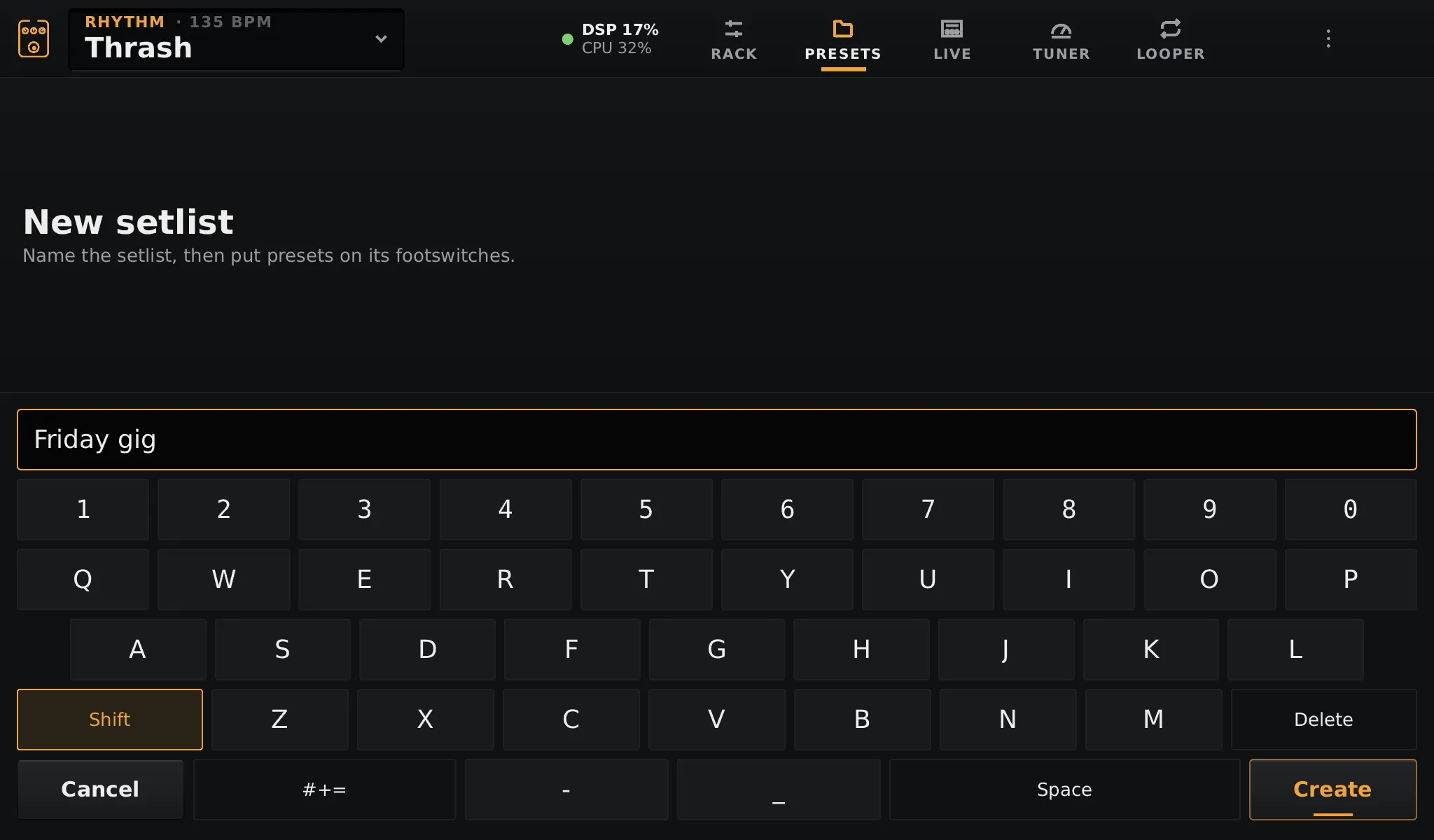
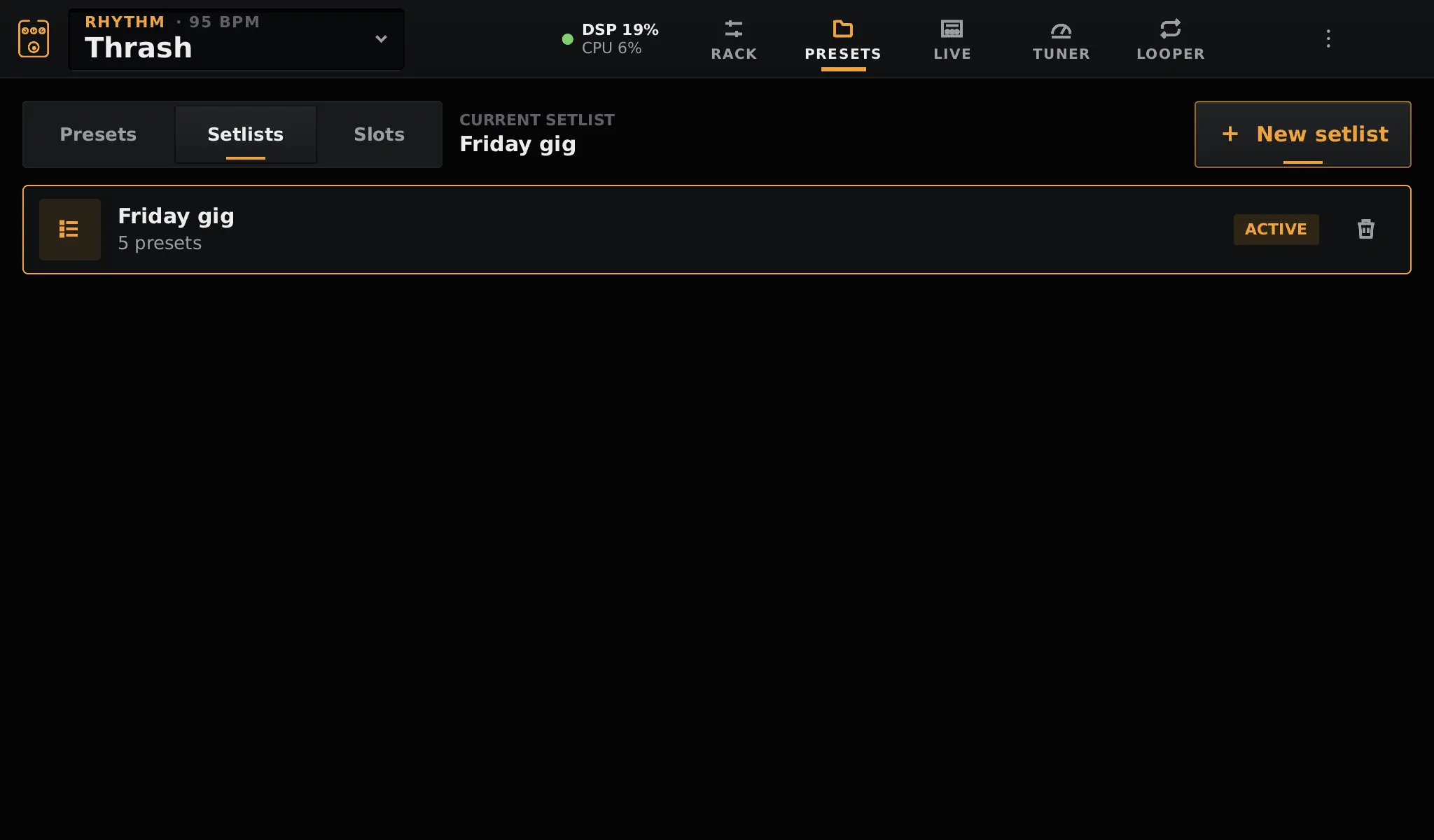
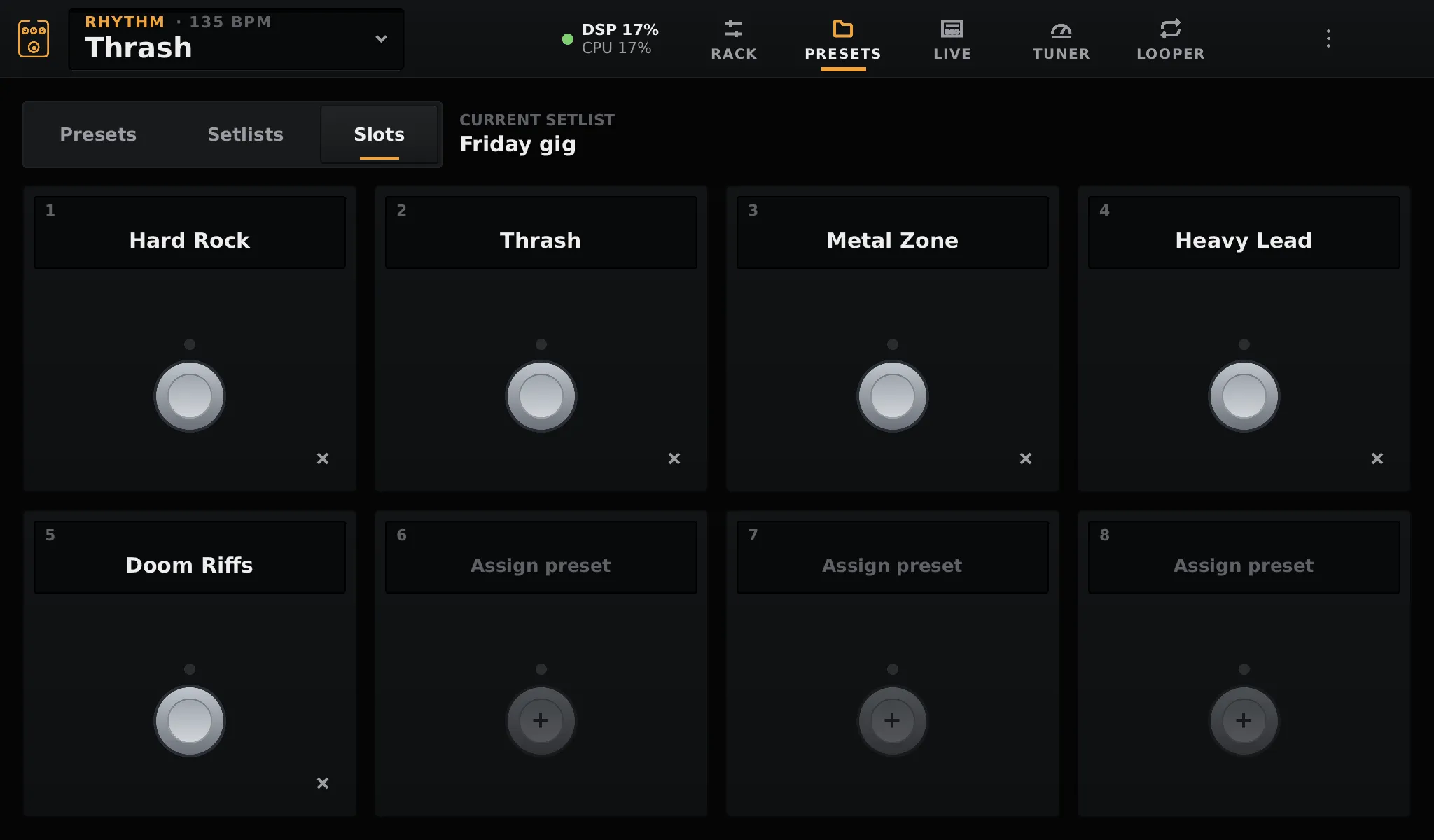
Section titled “Setlists”A setlist puts up to 8 presets on the footswitches, in the order of your set. Loading it loads every preset in memory, so changing song is instant.
On the Slots tab, tap a slot to put a preset on it, or the cross to clear it.
Then play it from the Live page in Setlist mode, from the footswitches, or with MIDI program changes.
Typing names
Section titled “Typing names”Names are typed on the on-screen keyboard. A USB keyboard works too.