
Updates
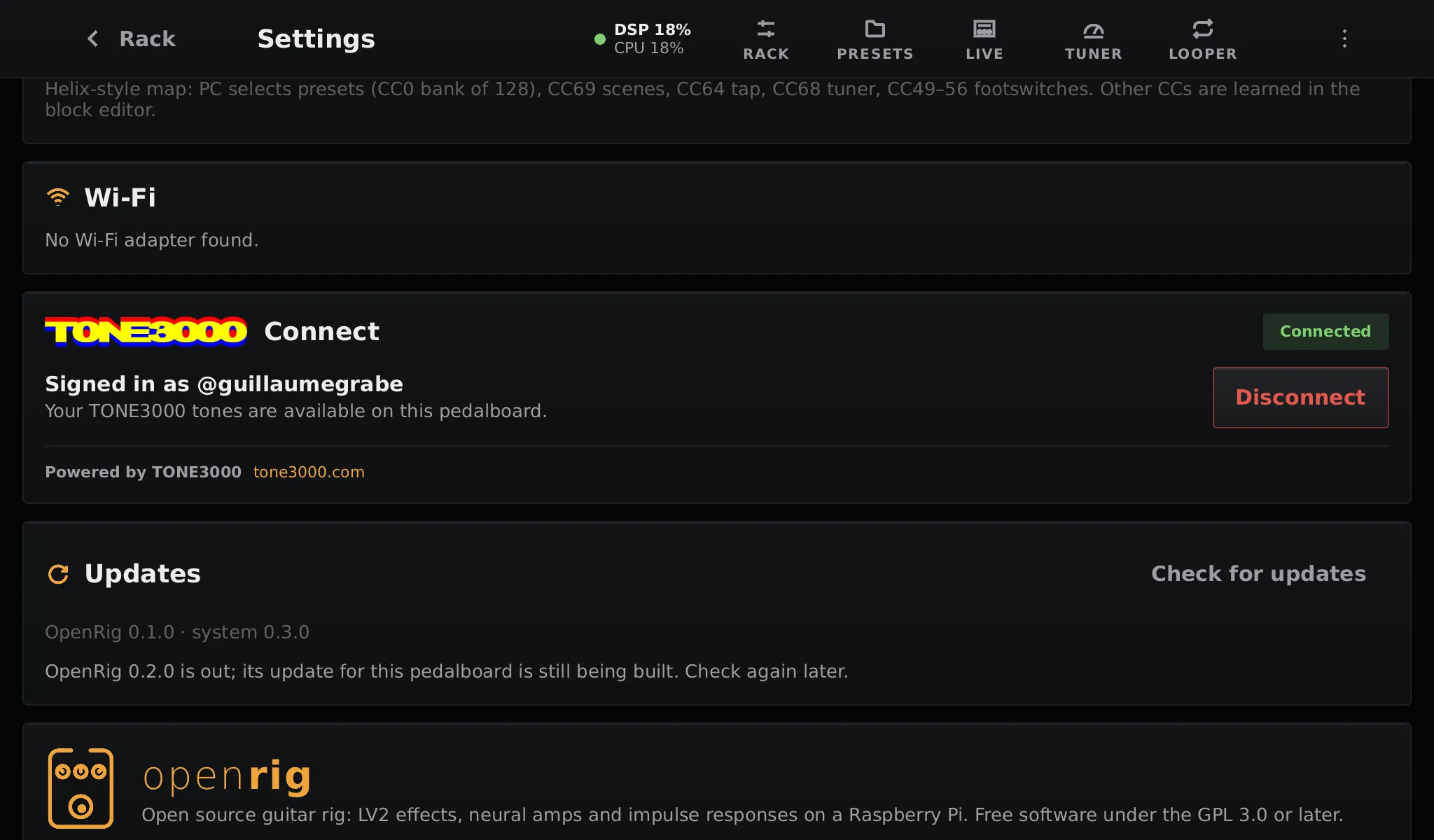
Settings → Updates → Check for updates compares your version with the latest release. If there is a newer one, tap Install. The pedalboard needs a network for this; nothing is checked or downloaded until you tap the button.
App or system
Section titled “App or system”OpenRig picks the smallest update that works:
- App update: when the new release runs on the same system, only the app is replaced. It is a few megabytes, and the app restarts in a few seconds.
- System update: when the release needs a new system (kernel, drivers, libraries), the whole system is written next to the running one, while you keep playing (about a minute), and the pedalboard restarts on it.
Both keep your presets, setlists, models, Wi-Fi networks, TONE3000 link and pedalboard.txt.
If an update fails
Section titled “If an update fails”Updates cannot leave the pedalboard unusable:
- The system has two slots, A and B. A system update is written to the slot that is not running, then tried once. If the pedalboard’s UI does not run for 30 seconds on it, the board restarts on the previous system.
- An app update is tried the same way: if the new app crashes or hangs in its first 30 seconds, the previous app runs again.
- A power cut during the install or the first start leaves the previous version in place.
Updates are signed: the pedalboard installs only bundles signed with the OpenRig release key.
Updating by hand
Section titled “Updating by hand”The same update files are on every release, and can be installed over SSH:
scp -O openrig-os-<version>-rpi5.raucb root@192.168.1.42:/data/update.raucbssh root@192.168.1.42pedalboard-update install /data/update.raucb # written to the slot not runningpedalboard-update reboot # start it, oncepedalboard-update status # slots, versions, last updaterm /data/update.raucbUse pedalboard-update install-app with the -app.raucb file for an app update.