Block editor
Double tap a block, or tap the pencil under its quick knobs, to open its editor.
Header
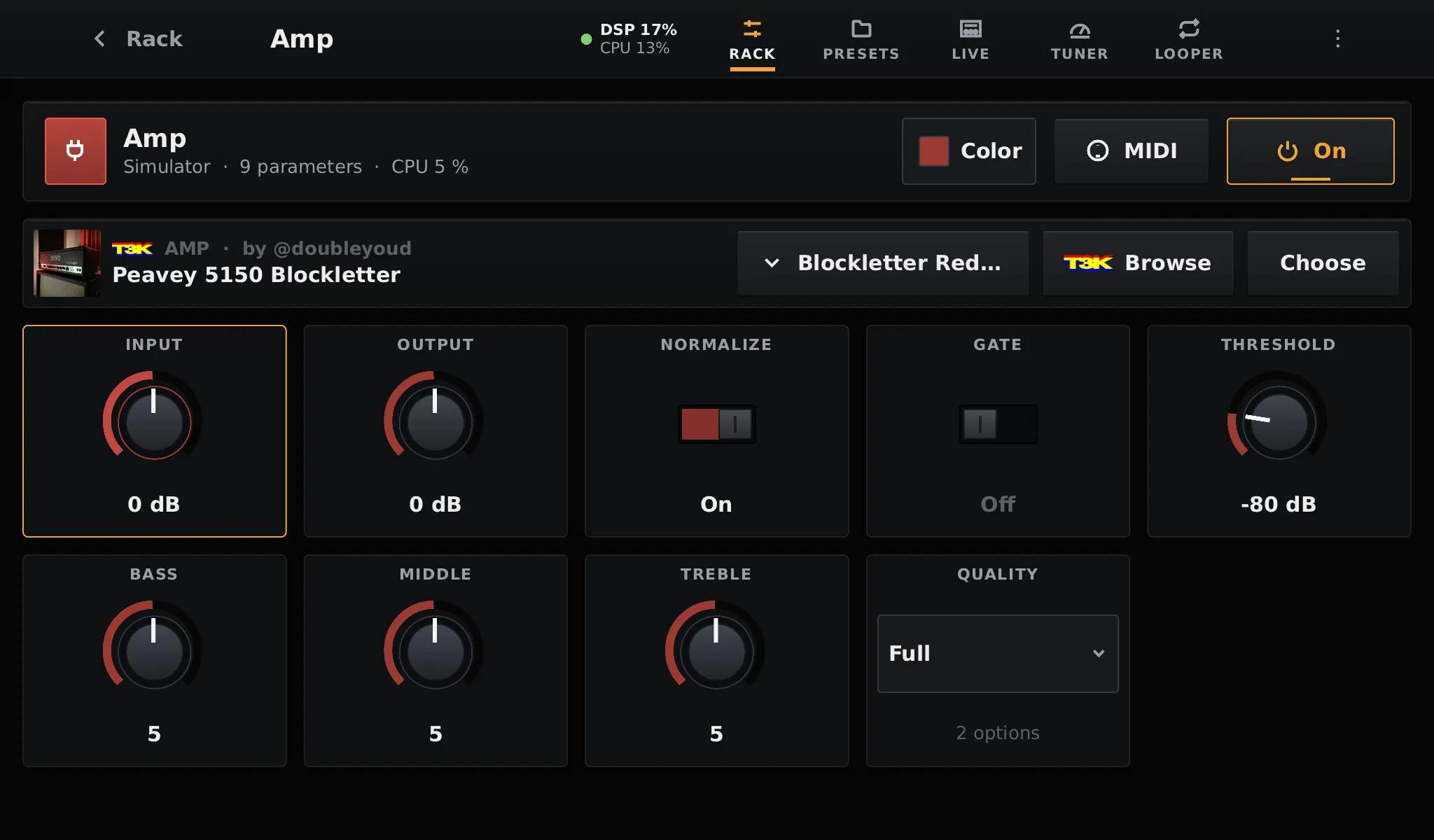
Section titled “Header”- The block’s name, its category, its number of parameters, and the share of a CPU core it uses while it plays.
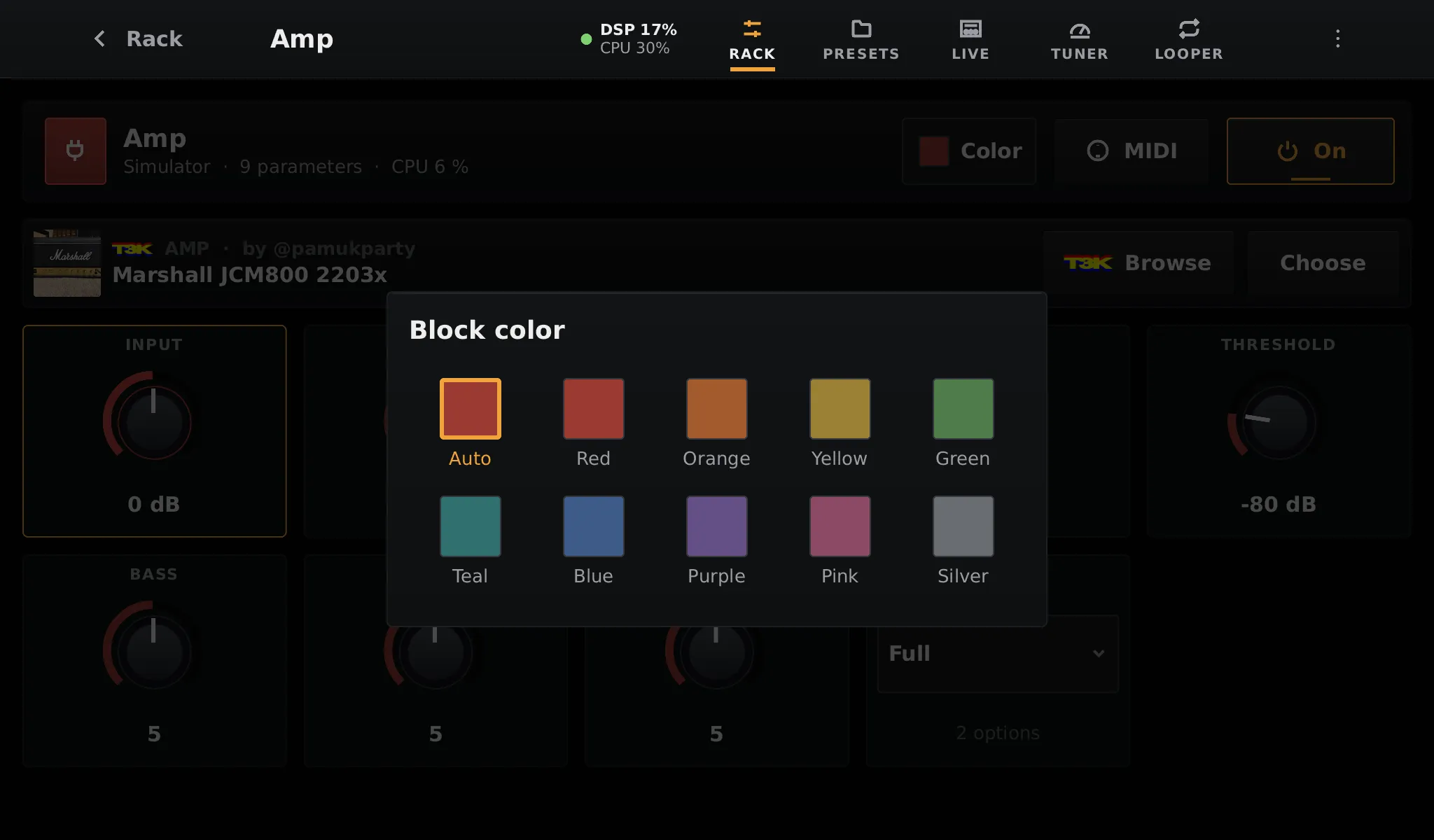
- Color: choose the colour of the block in the rack and on the Live page. Auto follows its family.
- MIDI: learn MIDI controllers for its controls (see MIDI).
- On: bypass the block, or turn it back on.
Neural and impulse response blocks have a second line with the loaded model:
- the tone’s picture, its gear, its creator and its name;
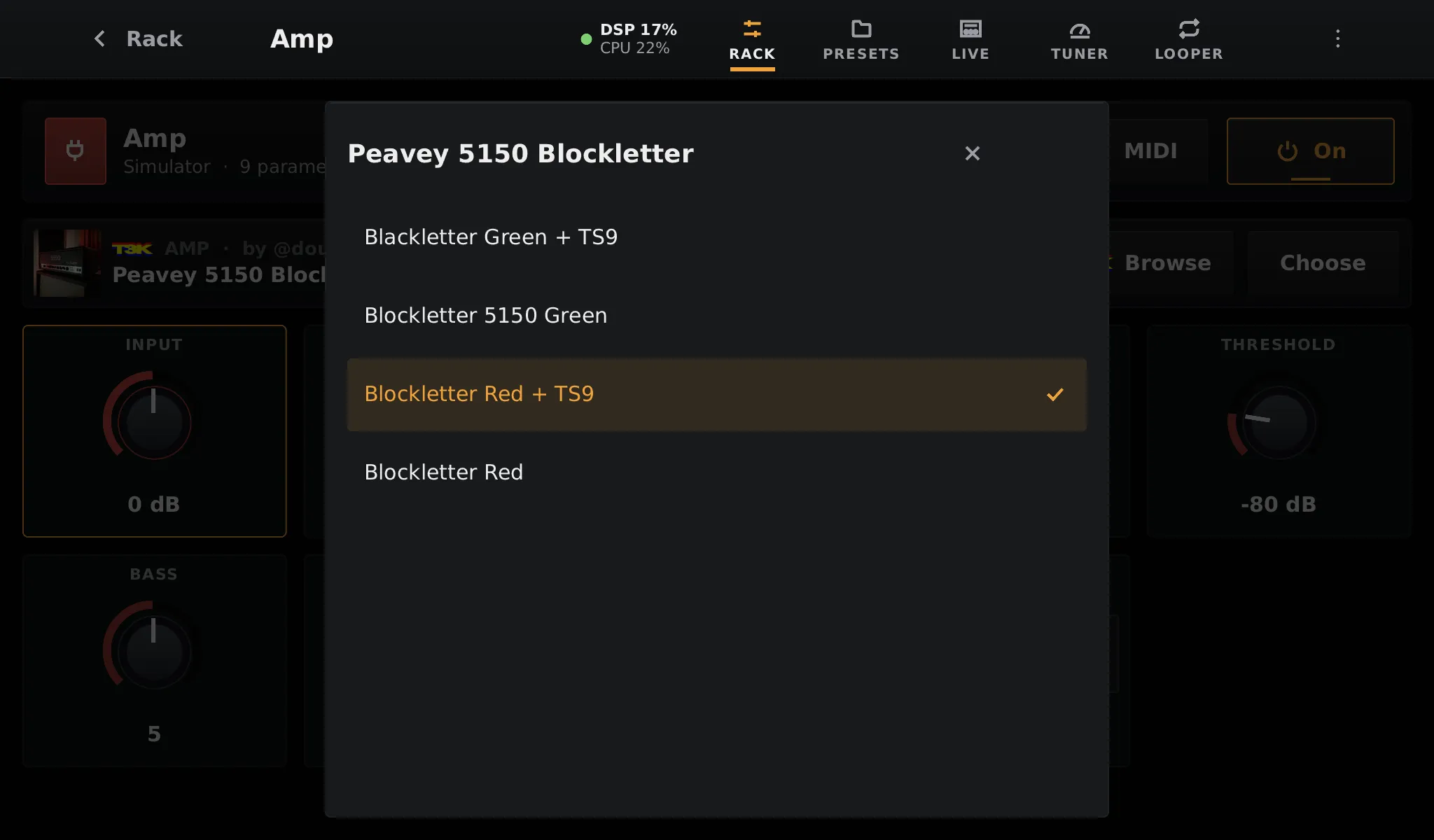
- a drop-down with the presets of the tone (the other captures in the same folder);
- Browse, to open the TONE3000 library for this block;
- Choose, to pick a tone already on the pedalboard.
Controls
Section titled “Controls”Knobs turn with a vertical drag. Switches toggle with a tap. Lists open as a chooser. LV2 plugins show the controls their author declared, with their ranges and units.
Colour
Section titled “Colour”