
Live page and footswitches
The Live page is made for playing: big tiles, one per footswitch, the preset and scene in large type, and the tempo.
Tapping a tile does what the footswitch does. The mode is chosen with Scenes / Stomp / Setlist and kept across restarts.
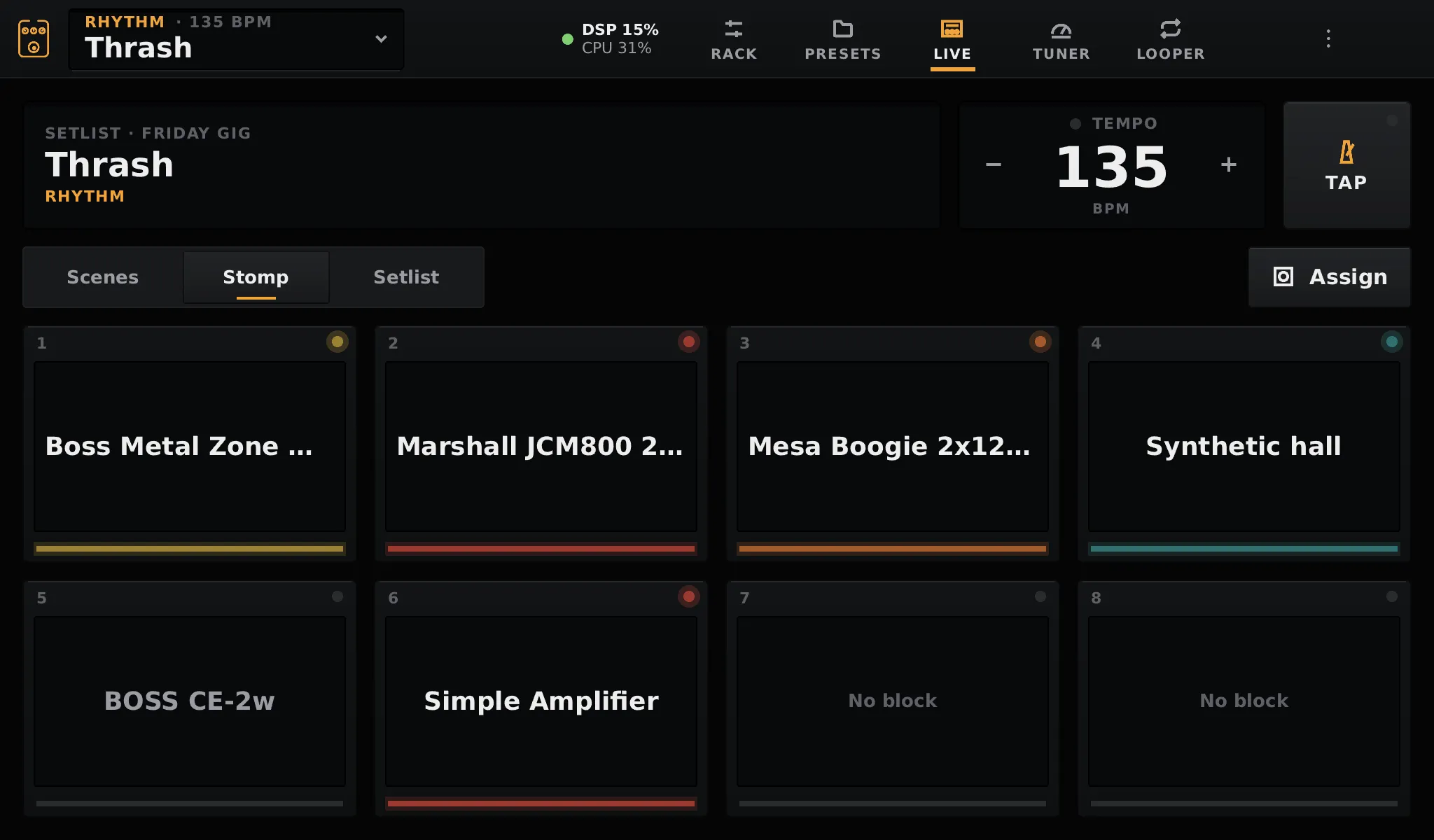
Each switch turns a block on or off. By default switch 1 is the first block of the chain, switch 2 the second, and so on. To choose, tap Assign, then a tile, then a block, or Automatic to go back to the chain order. Assignments are saved in the preset.
Scenes
Section titled “Scenes”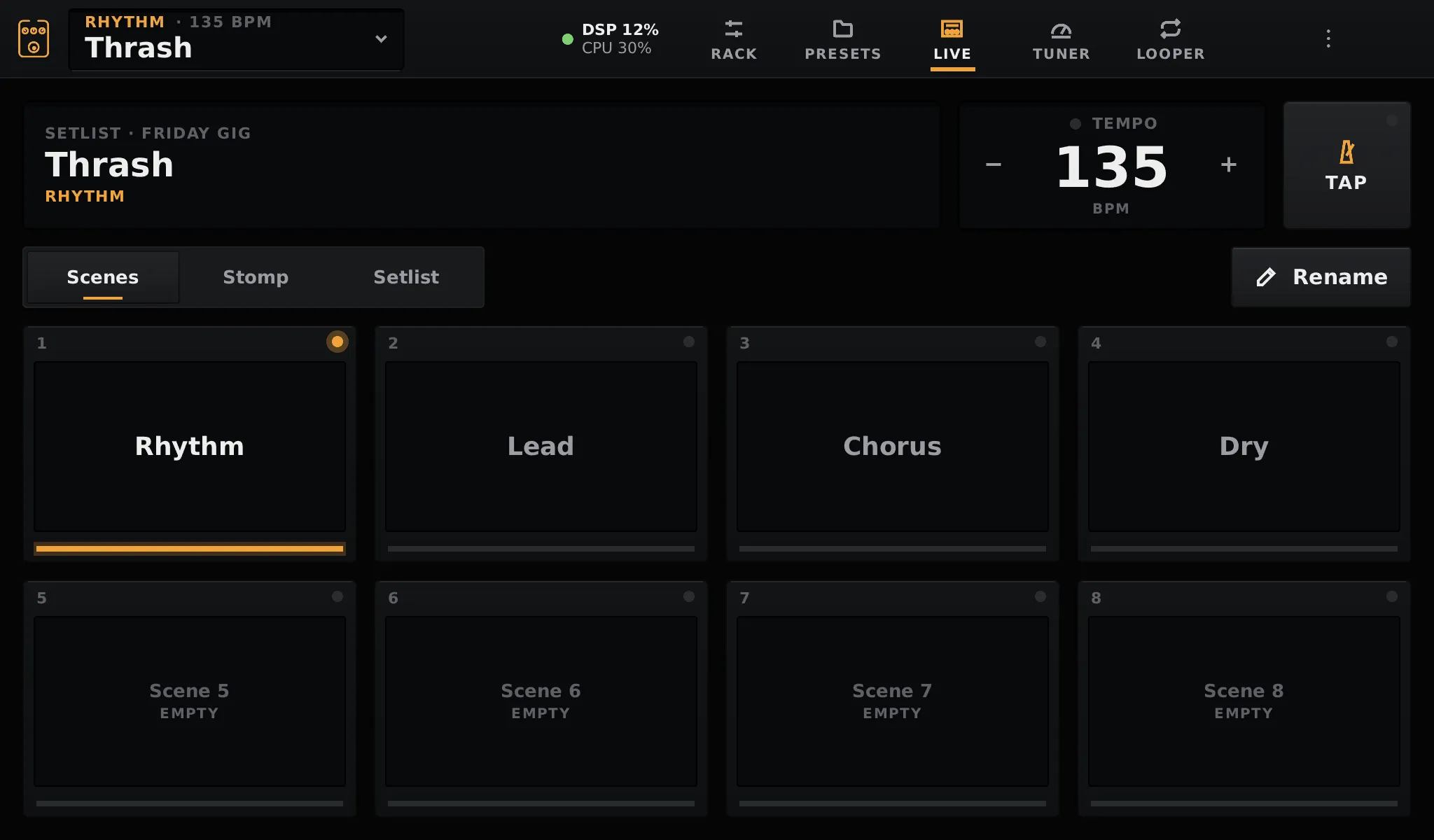
Each switch recalls a scene of the preset. Selecting an empty one copies the current scene into it. See scenes.
Setlist
Section titled “Setlist”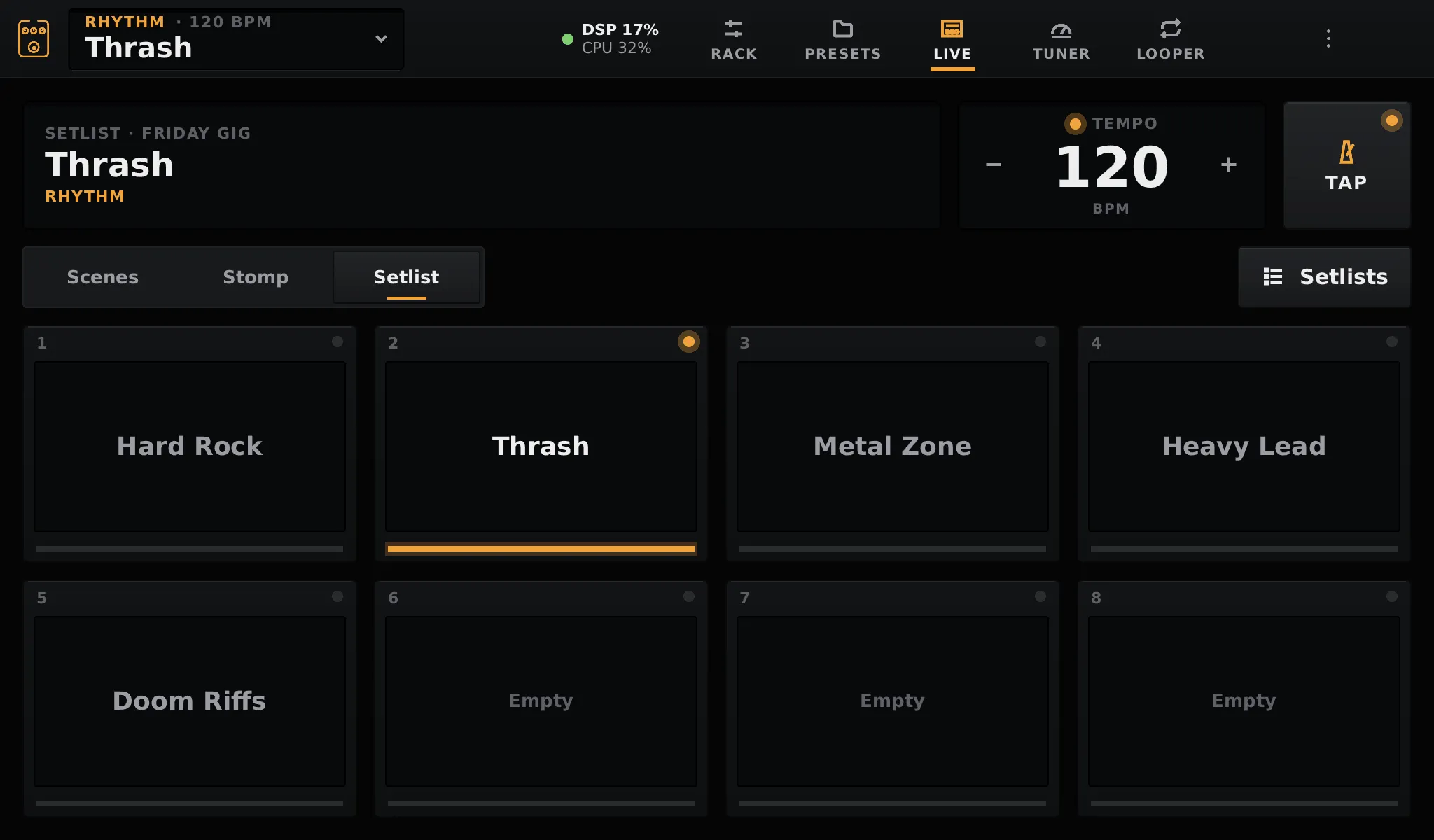
Each switch loads a preset of the current setlist. Setlists opens the list to choose another one.
Each preset has a tempo, from 40 to 240 BPM. Set it with TAP (the average of your last four taps), or with − and +. The tempo is sent to the plugins that have a tempo control and to those that follow the host’s tempo, so delays stay in time. A MIDI clock can set it too; the Live page then shows MIDI CLOCK.
Footswitches
Section titled “Footswitches”With footswitches wired (see Footswitches and encoder), each one does what its tile does:
- Switches act when pressed, not on release, so a change lands on the beat.
- With two switches or more, the last one taps the tempo instead. Held for 0.8 s, it opens the tuner; pressing any switch then goes back. This can be turned off in Settings → Hardware.
- On a USB keyboard,
1to8are the switches andttaps the tempo. - On MIDI, CC49 to CC56 are switches 1 to 8.
Delays and reverbs keep ringing when they are bypassed: their input fades out, their output plays on until it is silent. Tails carry over scene changes and stomps. A preset change or adding a block crossfades to a new chain in 20 ms, which ends them. Other blocks are bypassed with a 10 ms ramp, so there is no click.